
Most supplier applications receive at least one clarification request. A reviewer may ask for a clearer copy, an updated certificate, or an explanation of a difference between two documents. These requests are normal, but how you respond decides whether your application moves forward in days or stalls for weeks.
This guide sets out a simple method for handling clarification requests: read them carefully, answer exactly what was asked, and make the reviewer’s next step easy.
Treat Every Request as Time Sensitive
Portals and review teams usually work to deadlines, and an unanswered request may close or return the application. Check your registered email and the portal inbox regularly, and make sure the contact on the account is someone who actually monitors both. Many delays begin with a message sitting unread, as described in our guide to supplier portal account mistakes.
Read the Request Before You Reply
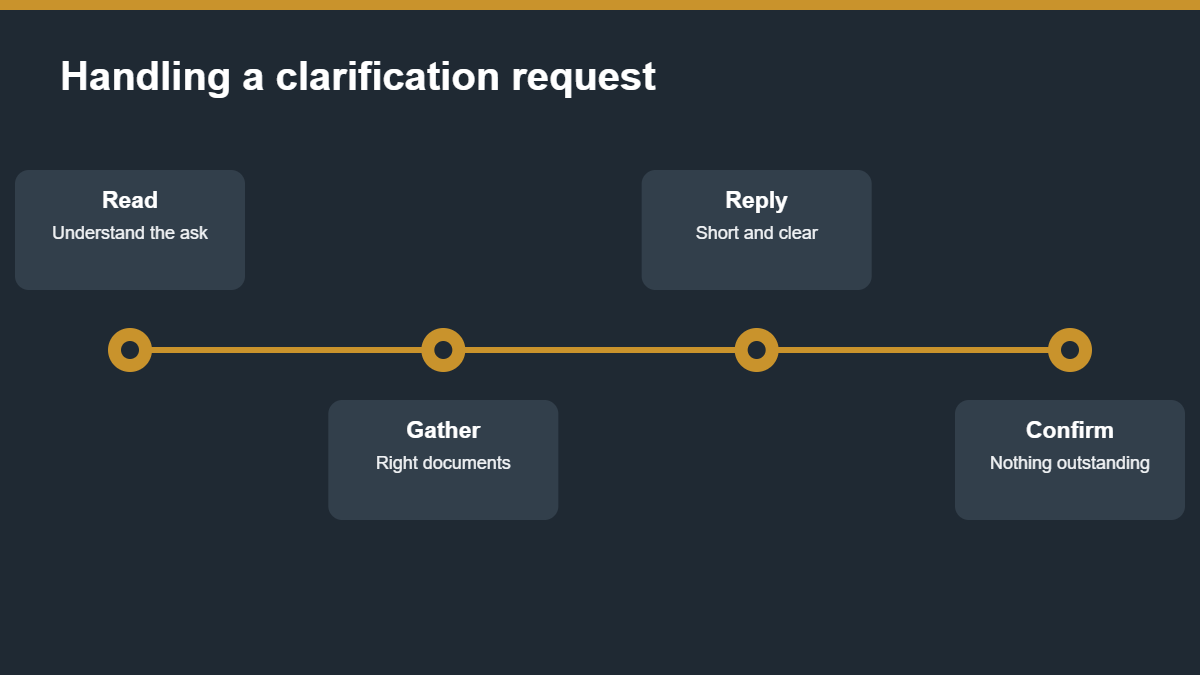
Reviewers write short messages, and the exact words matter. Identify what is being asked, which document or field it concerns, and by when. If the request is unclear, ask one precise question rather than guessing. Replying with a large unrelated upload makes the reviewer search for the answer.
Types of Requests and How to Handle Them
- Unreadable or incomplete document: upload a clean, complete copy and say which page was missing.
- Expired certificate: provide the renewed version, or evidence that renewal is in progress if the buyer accepts that.
- Mismatch between documents: explain the cause in one or two sentences and attach proof, such as an amendment or official correction.
- Missing information: supply it directly in the requested field and confirm in your message.
- Request for more evidence of experience: add specific references, as covered in project references and experience certificates.
Write a Short, Clear Reply
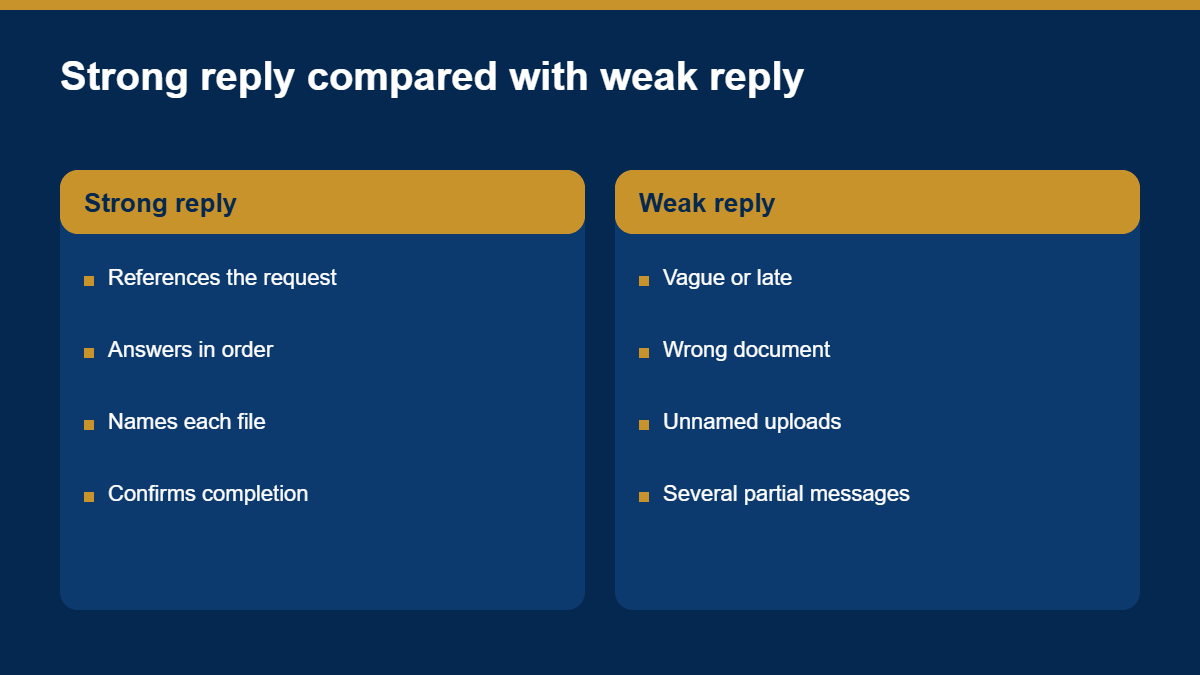
A good reply is brief and organised. Refer to the request, state what you are providing, and list the attachments by name. Keep the tone professional and factual.
- فتح with the request reference or date.
- Answer each point in the same order the reviewer raised it.
- Name each attached file so it can be matched to the question.
- Close by confirming that nothing further is outstanding from your side.
Keep a Response Log
Record every clarification request, the date received, what you sent and when. This helps you spot patterns, such as repeated questions about the same document, and fix the cause in your master document file. It also gives you a clear timeline if you need to follow up on a long review, which relates closely to how long vendor registration takes.
Common Mistakes
- Leaving the request unanswered until close to the deadline.
- Answering a different question from the one that was asked.
- Uploading new files without saying what they replace.
- Sending partial answers in several separate messages.
- Changing information in the file without explaining why.
How Wazir Solution Can Help
Wazir Solution supports suppliers through the review stage, helping prepare accurate responses to reviewer questions. Learn more on our website or write to us at info@wazirsolution.com.
الأسئلة الشائعة
How quickly should I respond?
As soon as possible, and always within the deadline stated in the request. Early replies keep the application moving.
What if I disagree with the request?
Respond politely, explain your position with evidence, and ask the reviewer to confirm what is needed.
Can I add documents the reviewer did not ask for?
Only if they directly support your answer. Unrelated additions can confuse the review.
هل أنت مستعد لتجهيز تسجيلك؟
اختر جهة وفئة مورد، ثم تابع إلى بوابة التسجيل الآمنة لدى وزير سوليوشن.
تصفح الجهات →